Automated Report Generation
Generate professional intelligence briefings in minutes. Learn about templates, customization, and scheduling automated reports.
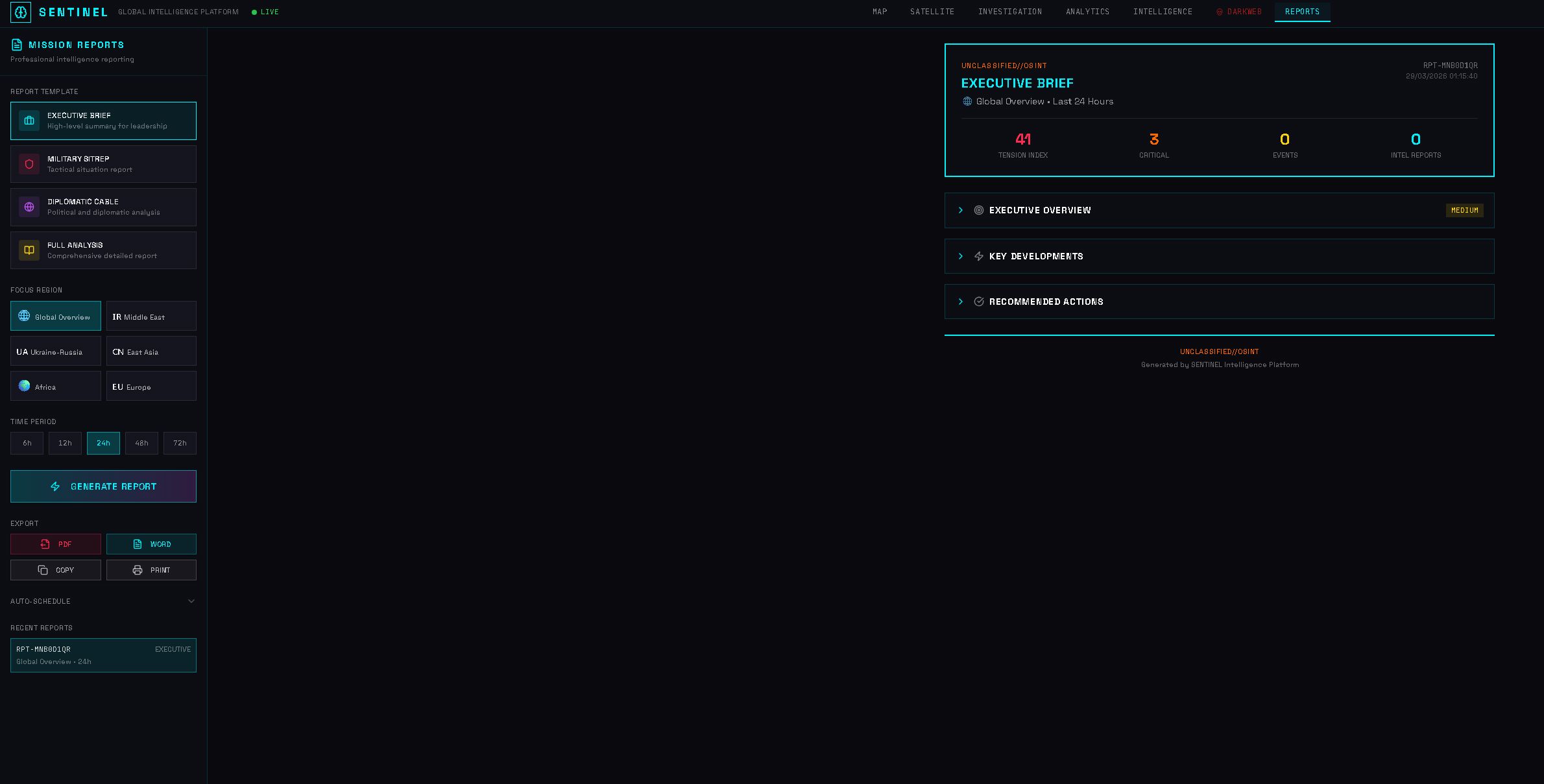
1. Report Templates
SENTINEL offers 4 professional templates:
• **Executive Brief** — High-level summary for leadership (1-2 pages) • **Operational Briefing** — Tactical details for field teams (3-5 pages) • **Diplomatic Cable** — Formal format for government communications • **Full Analysis** — Comprehensive report with all details (10+ pages)
2. Selecting a Region
Choose the geographic focus:
• **Global** — Worldwide overview • **Middle East** — Israel, Iran, Gulf States, Syria, Yemen • **Ukraine-Russia** — Eastern Europe conflict zone • **East Asia** — China, Taiwan, Korea, Japan • **Africa** — Sahel, Horn of Africa, Great Lakes • **Europe** — EU, NATO, Balkans
3. Language & Format
Customize the output:
**Languages:** English, French, Arabic, Spanish, German, Russian, Chinese
**Export formats:** • PDF — Best for distribution • Word — Editable for additional notes • PowerPoint — Presentation-ready slides
4. AI Generation
The report is generated from live data:
1. Click **Generate Report** 2. The AI analyzes current incidents, trends, and threats 3. Satellite imagery changes are included automatically 4. Entity networks from your investigations can be referenced 5. Generation takes 30-60 seconds depending on complexity
5. Scheduling Reports
Automate recurring reports:
• **Daily** — Morning briefing delivered by email • **Weekly** — End-of-week summary • **Monthly** — Comprehensive monthly review • **Custom** — Set specific days and times
Scheduled reports use your preferences and are delivered to your registered email.
Continue learning