Satellite Imagery Analysis
Master satellite imagery analysis with SENTINEL. Learn how to use Sentinel-2 data for change detection, before/after comparisons, and GIF exports.
1. Understanding Sentinel-2 Imagery
SENTINEL uses Copernicus Sentinel-2 satellite imagery at 10m resolution:
• **Coverage** — 150+ strategic locations worldwide • **Update frequency** — Every 5-10 days depending on location • **Bands available** — True color, NDVI (vegetation), infrared • **Historical data** — Access imagery back to 2015
Categories include: Critical facilities, defense installations, conflict zones, environmental monitoring sites.
2. Selecting a Location
Navigate to the Satellite module and choose a site:
1. Browse by **category** (Defense, Critical Infrastructure, Conflict Zones) 2. Use the **search bar** to find specific locations 3. Click on a site to load the satellite view 4. The map will center on the selected location with the latest imagery
3. Timeline & Date Selection
Use the timeline slider to compare different dates:
• **Drag the slider** to select any available date • **Cloud cover filter** — Hide dates with excessive cloud coverage • **Quick presets** — "1 month ago", "6 months ago", "1 year ago" • **Calendar picker** — Select specific dates for precise comparison
4. Before/After Comparison
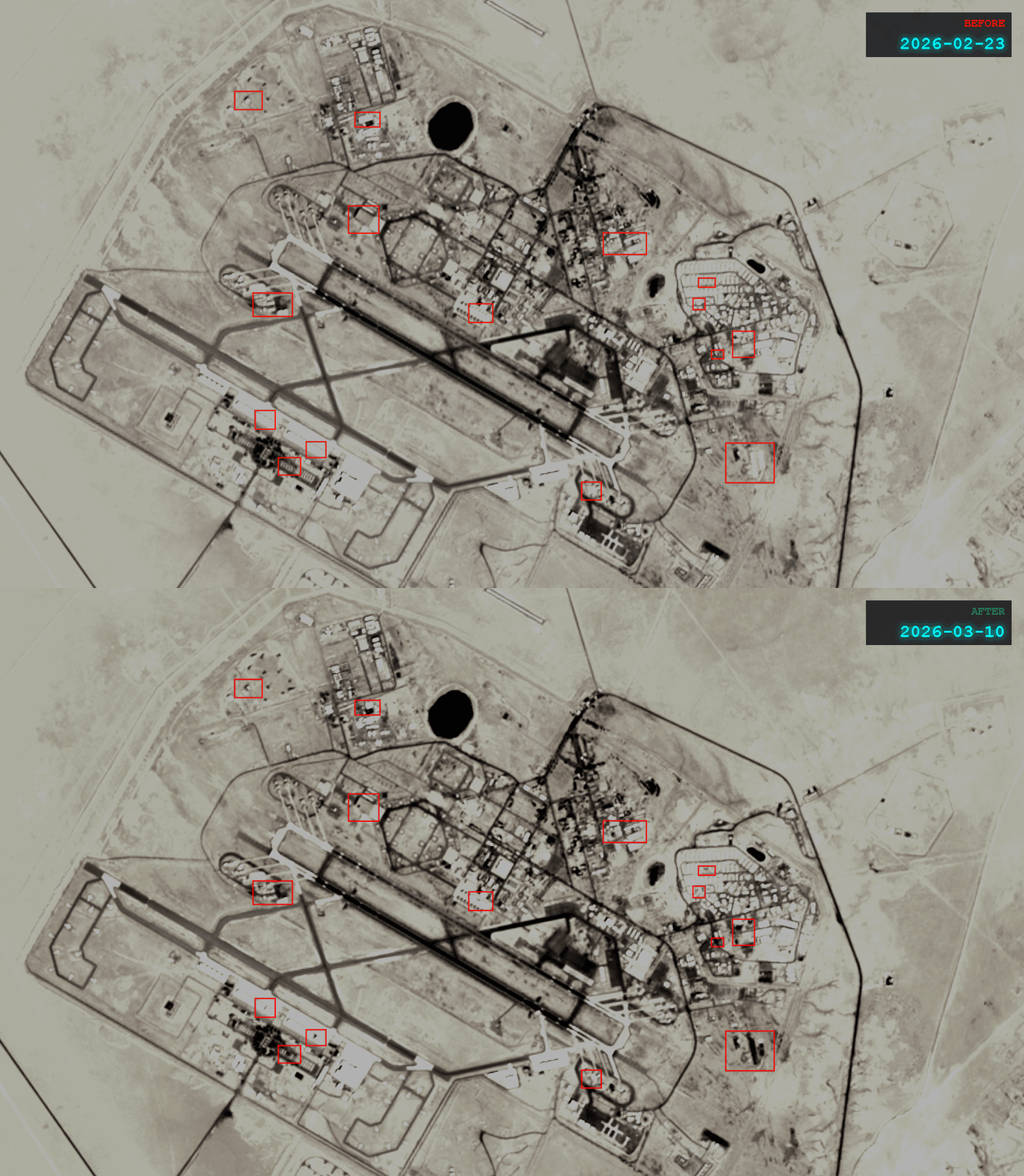
The split-screen comparison tool reveals changes:
1. Select your **before** date on the left panel 2. Select your **after** date on the right panel 3. Use the **interactive slider** to reveal changes 4. Zoom in on areas of interest 5. The red markers indicate detected changes
This is perfect for documenting construction, damage assessment, or environmental changes.
5. Exporting Your Analysis
Share your findings in multiple formats:
• **GIF Export** — Animate the change over time (great for reports) • **Screenshot** — Capture the current comparison view • **Add to Investigation** — Link the satellite view to an active research project • **Generate Report** — Include satellite analysis in an automated briefing
Continue learning